


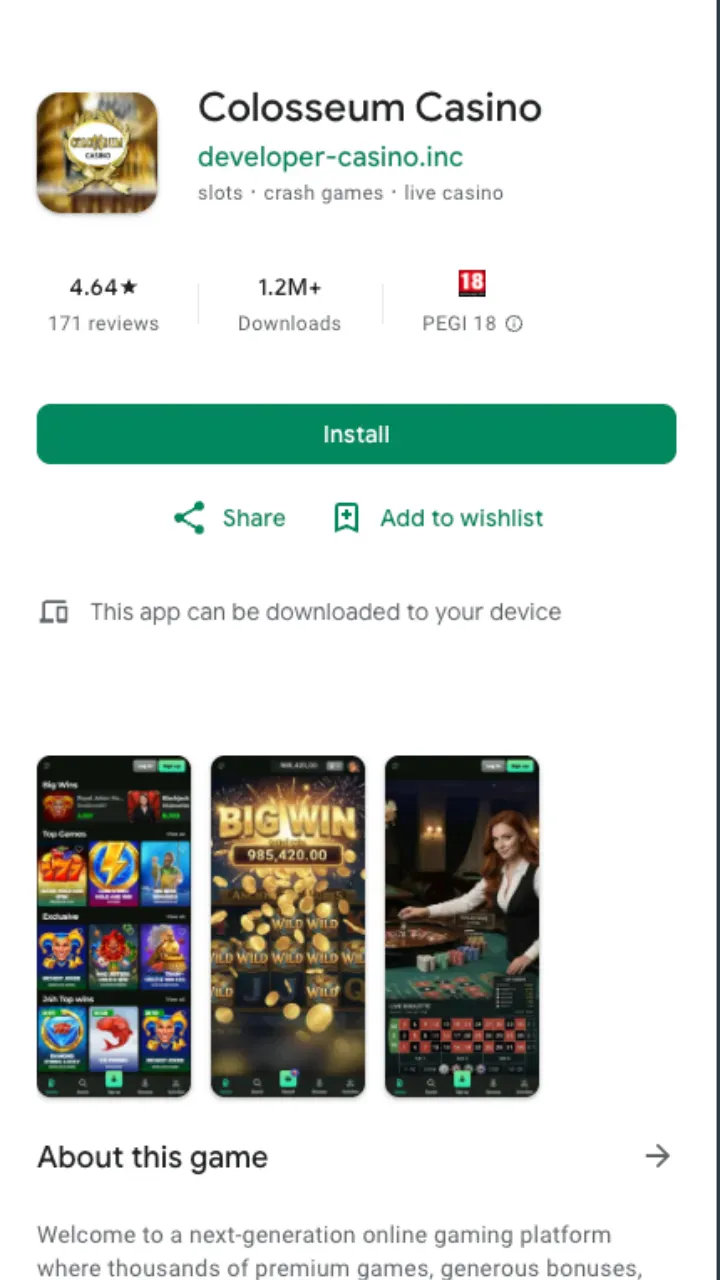
Colosseum Casino runs its mobile product as a progressive web app rather than a store download. You don't hunt for it on Google Play or the App Store, and you don't sideload a loose APK. You open the site, add it to your home screen, and an icon behaves like a native app from then on. That approach keeps the build current: every update ships server-side, so you never wake up to a stale version.
The engine behind it is the same one the desktop site uses, licensed under the Kahnawake Gaming Commission. On mobile that means the whole catalogue of 10,000+ titles, the full cashier, and the C$750 + 200 FS welcome package all load through the shortcut with no cut-down feature set.
Colosseum Casino mobile app at a glance
Here is what the mobile build carries across the two platforms.
| Feature | Android | iOS |
|---|---|---|
| Install method | Add to Home screen (PWA) | Share → Add to Home Screen (Safari) |
| Store listing | None | None |
| Game count | 10,000+ | 10,000+ |
| Live dealer | Yes (Evolution, Playtech) | Yes (Evolution, Playtech) |
| Cashier | Full, from C$10 | Full, from C$10 |
| Push notifications | Yes | Limited by iOS |
The one gap worth flagging: iOS throttles web-app push, so Android users get the more reliable promo alerts. Everything else lines up.
Games on the small screen
Slots make up the bulk of what you'll touch here. Pragmatic Play, Hacksaw Gaming, Play'n GO, Yggdrasil and Novomatic titles all render in portrait, with touch controls for spin, autoplay and bet sizing. Reels that lean on tall grids scale down cleanly, and RTP values match the desktop versions since it's the same game feed.
Live dealer is where the app earns its keep. Evolution and Playtech stream roulette, blackjack and baccarat straight to the phone, and the chat and side-bet panels tuck into swipe menus so the video stays front and centre. Data use runs higher on live tables, so Wi-Fi is the sensible call for a long session. For the full slot breakdown see the slots page, and the live tables sit on the games page.
Banking from your phone
The mobile cashier mirrors the desktop one exactly. You deposit from C$10, though the welcome bonus needs C$20 to activate, and withdrawals start at C$20. Interac, cards, e-wallets and crypto all sit in the same in-app menu.
Withdrawal speed depends on the rail: crypto is near-instant once approved, Interac and e-wallets clear within 24 hours, cards take one to three business days, and bank transfers can run up to five. Pending review adds 24 to 72 hours and processing happens Monday to Friday. The standard daily cap is C$500, rising toward C$1,500 on higher VIP tiers. Full method-by-method timings live on the payments page.
The welcome bonus on mobile
Sign up through the app and the same C$750 + 200 FS package applies. Wagering runs at x35 on bonus plus deposit and x40 on free-spin winnings, with a 10-day window to clear it. Nothing about the terms changes because you joined on a phone. The full breakdown, including how the match splits across deposits, sits on the bonus page.
Should you use the app?
If you play more on a phone than a laptop, the home-screen shortcut is worth the 30 seconds it takes to add. You skip the browser address bar, updates handle themselves, and the full library plus cashier are one tap away. The only real trade-off is iOS push being patchy, and that costs you nothing but a few slower promo alerts.